
The best moments happen after the photographer goes home.
POVshare collects every guest photo from your — and lets them pick the music too. One QR code. No app. DJ optional.
No App Required
Works instantly in any browser
Works on Any Phone
iPhone, Android, any device
100% Free to Start
No credit card needed
This is what your guests see
Search for a song and press pick — the same way a guest would after scanning your QR code. No signup. Turn your sound on.
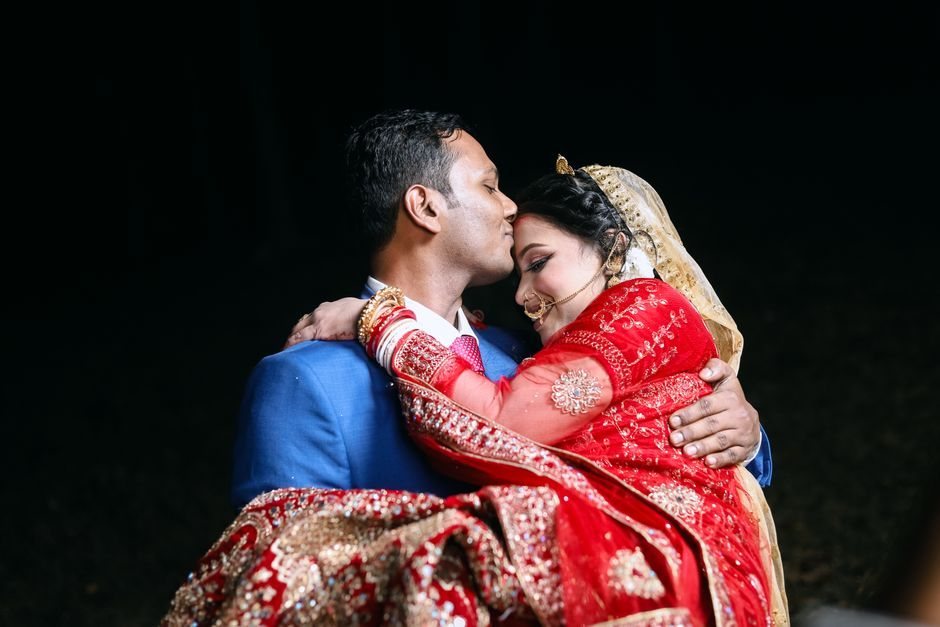





Nothing picked yet — choose a song on the right →
Pick a song
It plays at the party with your photo
Nothing matched — try “piano” or “jazz”.
POVshare music library · free on every plan
No card required · Your guests need nothing but a phone
Your guests pick the music.The DJ is optional.
Music starts the moment your wall goes up — set the vibe once and it plays all night. When a guest uploads a photo, they choose a song to go with it. It lands in the queue and everyone hears whose pick it was.
Pick a song
It plays at the party with your photo
September
Earth, Wind & Fire
September Song
Agnes Obel
Wake Me Up When…
Green Day


September
Earth, Wind & Fire
picked by Maya
Up next
- Tom
Dancing Queen
- bed
Sunflower Waltz
- Priya
Ain’t No Mountain
Music from the first guest
Pick a vibe — chill, romantic, upbeat, elegant. Licensed music plays on the wall automatically, no account and no setup.
Or bring your own Spotify
Connect your Spotify on the screen once and guest picks drop straight into your queue. Your account, your playlist — guests never sign in to anything. Apple Music is next, so you are never tied to one service.
Every song has a face
The wall shows who picked what. It turns background music into part of the party instead of a playlist nobody chose.
Spotify queueing requires Spotify Premium on the host's device. Apple Music support is built and awaiting release. The POVshare library needs no account at all and works on every plan.
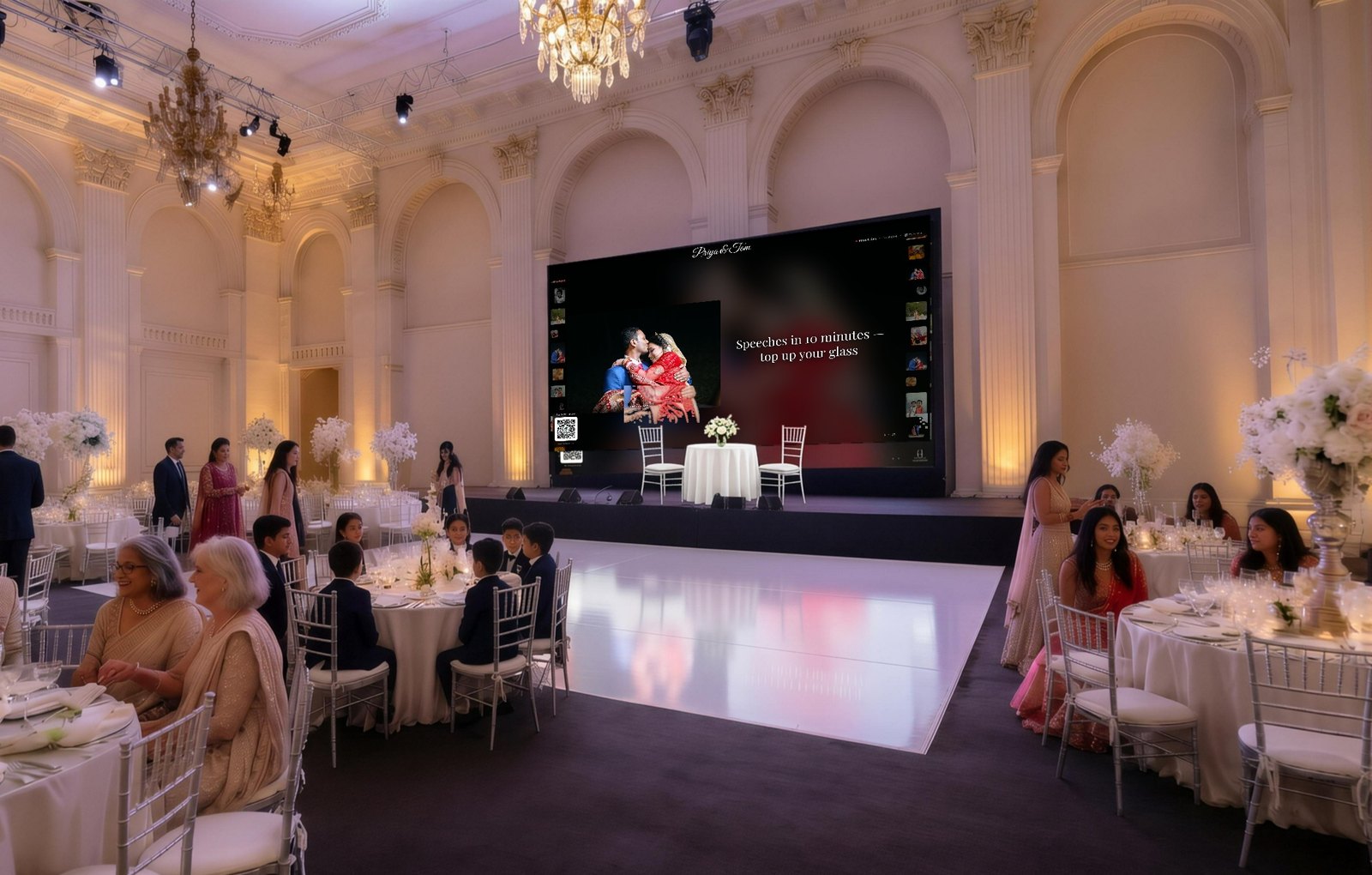
Beautiful on every screen
Guests upload from their phones. Your live wall lights up on the big screen with transition effects, event timelines, and real-time announcements. Every photo captured, every moment shared.



Everything You Need
Simple for guests, powerful for hosts. Built for events of any size.
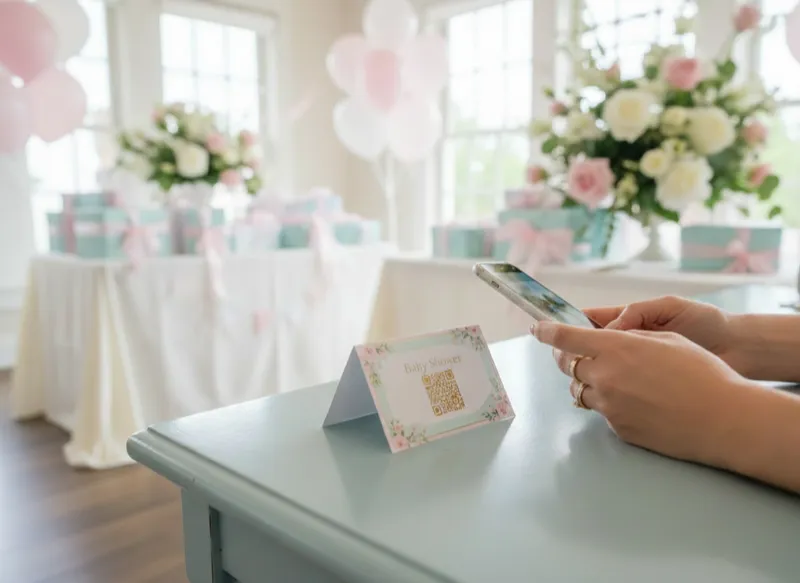
Instant QR Code Access
Guests scan a single QR code and start uploading instantly — no app downloads, no accounts, no friction. Display it on screens, print it on table cards, or share it digitally.
- No app download needed
- Works on any smartphone
- One scan to start sharing
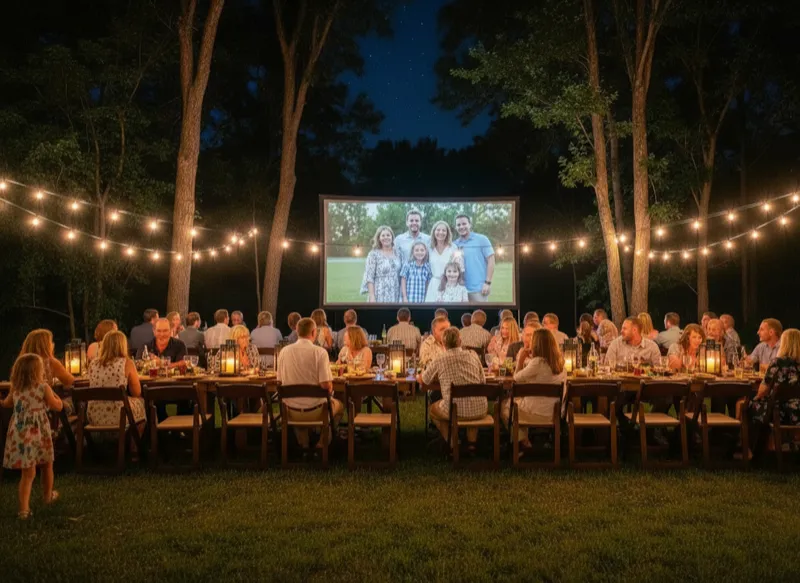
Watch Photos Stream In Live
Your live wall updates in real-time as guests upload photos. Choose from 4 stunning display modes — Grid, Filmstrip, Slideshow, or Single — perfect for projecting at your event.
- 4 display modes
- Real-time updates
- Perfect for projectors & TVs
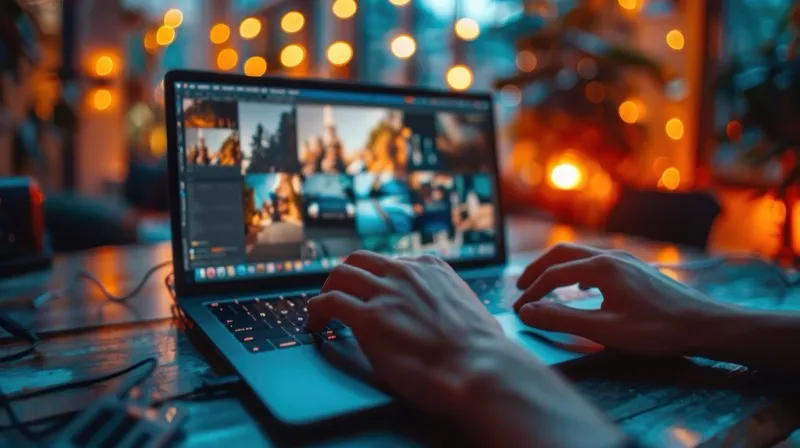
Optional AI-Powered Moderation
Keep your gallery family-friendly with optional intelligent content screening. Enable moderation when you need it — every upload can be automatically reviewed, and you can manually approve or reject photos from your dashboard.
- Optional — enable when you need it
- Automatic content screening
- Manual approve/reject
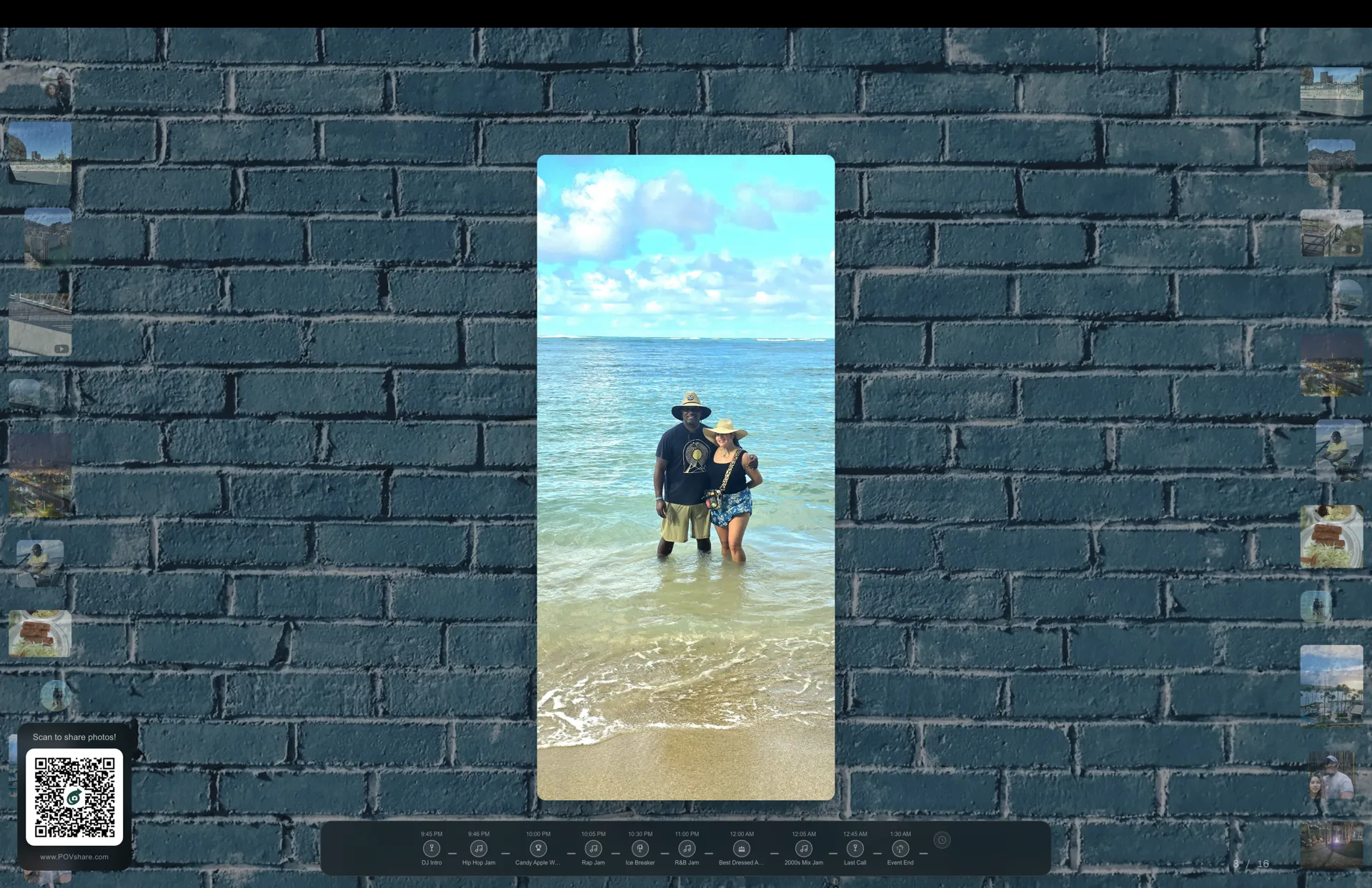

Itinerary Timeline
Build a visual schedule for your event with 42 curated icons across weddings, birthdays, corporate events, and more. Your live wall shows a time-aware footer that highlights what's happening now, what already happened, and what's coming next.
- 42 event-specific icons
- Time-aware: past, now, next
- Drag-and-drop editor, up to 12 items
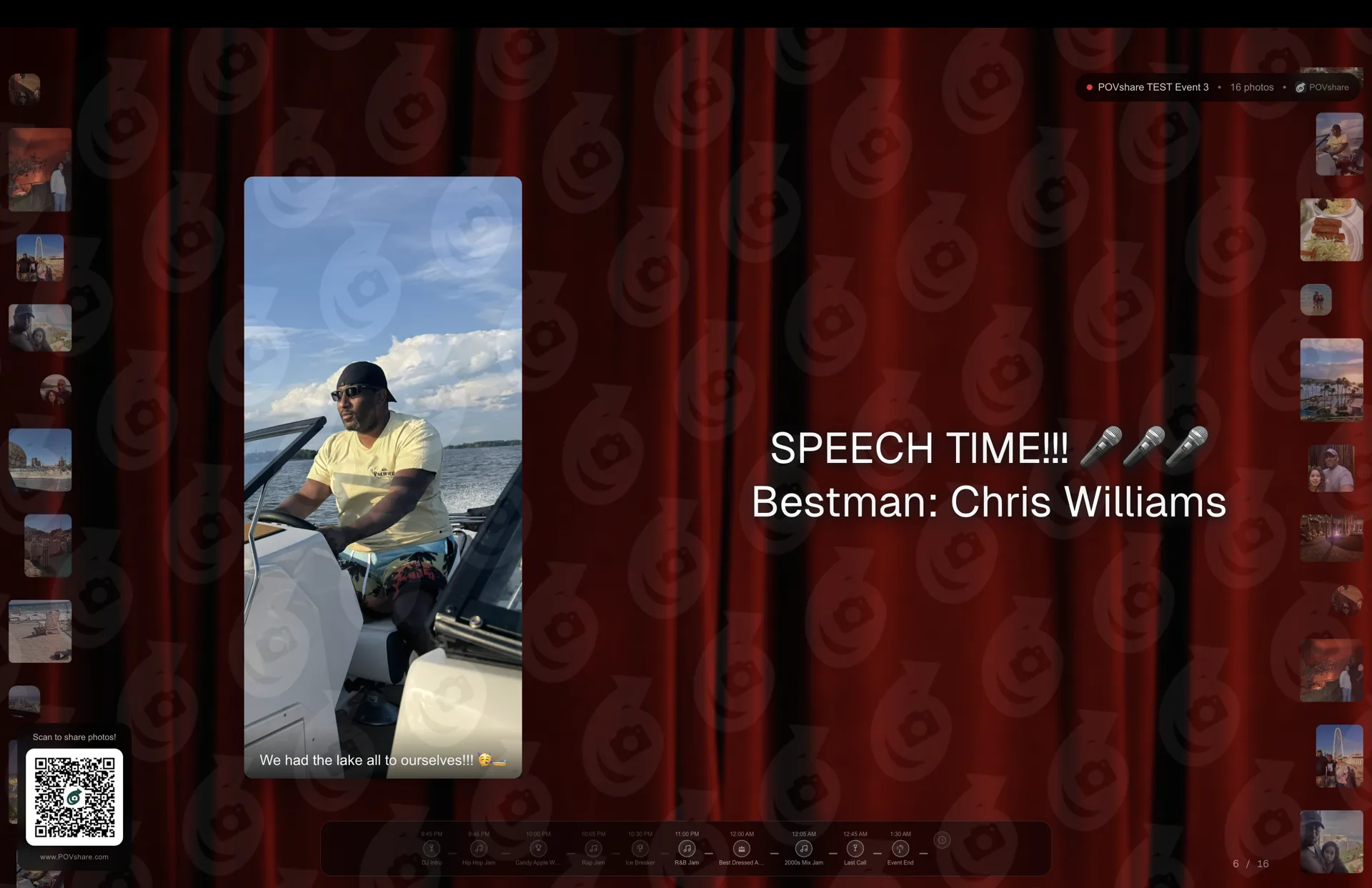
Announcement Animations
Broadcast messages to your live wall with style. Choose from Float, Typewriter, or Shimmer animations, pick from 20 background templates, select one of 6 fonts, and watch your announcement appear alongside guest photos in a split-view layout.
- 4 animation styles including Shimmer & Typewriter
- 20 curated background templates
- Split-view: photos + announcement side by side
How it works
Start to finish, with a real wedding running alongside — Priya & Tom, 140 guests, one QR code.
- 1
Create the event
2 minutesName it, pick a vibe for the music, and choose when it ends. You get a QR code and a short link straight away.
Priya makes “Priya & Tom” on Tuesday, sets the music to Romantic for the ceremony, and sets the hard stop for 11:30pm Saturday.
- 2
Put the QR where guests are
0 minutesOn the table cards, the order of service, a sign by the bar — or just on the big screen. Guests scan it with their camera. No app, no account, nothing to install.
They print the QR on 14 table cards and the venue puts the live wall on the ballroom projector.
- 3
Guests add photos — and a song
all nightA guest scans, picks a photo from their camera roll, and chooses a song to go with it. Their photo appears on the wall; their song goes into the queue.
Tom’s cousin uploads the one good shot of the speeches and picks “September”. The wall shows it, captioned “picked by Maya”.
- 4
The music runs itself
DJ optionalYour chosen vibe plays from the moment the wall goes up. Guest picks slot into the queue as they arrive. Nobody has to stand at a laptop.
The Romantic bed covers the ceremony and dinner. By nine, guest picks have taken over entirely.
- 5
Everything is yours the next morning
foreverDownload the full album in original quality. Music and uploads stop on the schedule you set; the gallery stays up so guests can browse and save.
Sunday morning: 380 photos from 96 guests, including forty Priya had never seen. The wall is now a gallery.
Priya & Tom are an illustration of a typical event, not a customer case study.
Perfect For Any Celebration
From intimate gatherings to grand celebrations
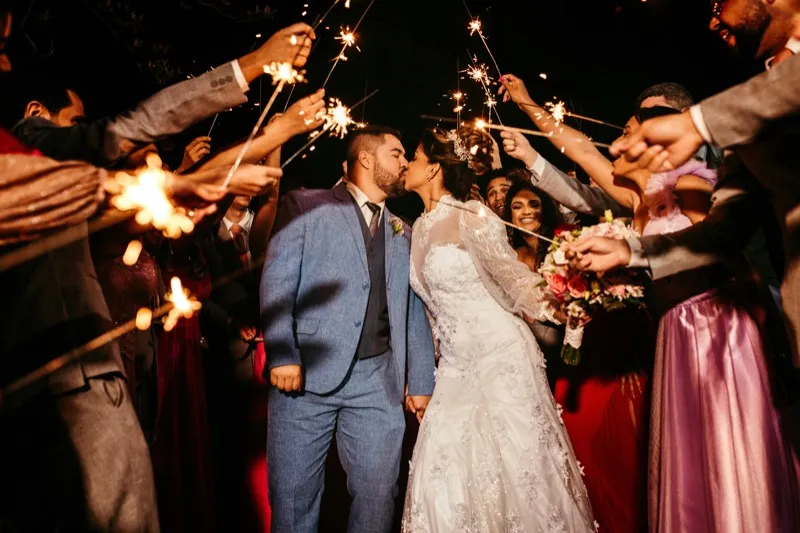
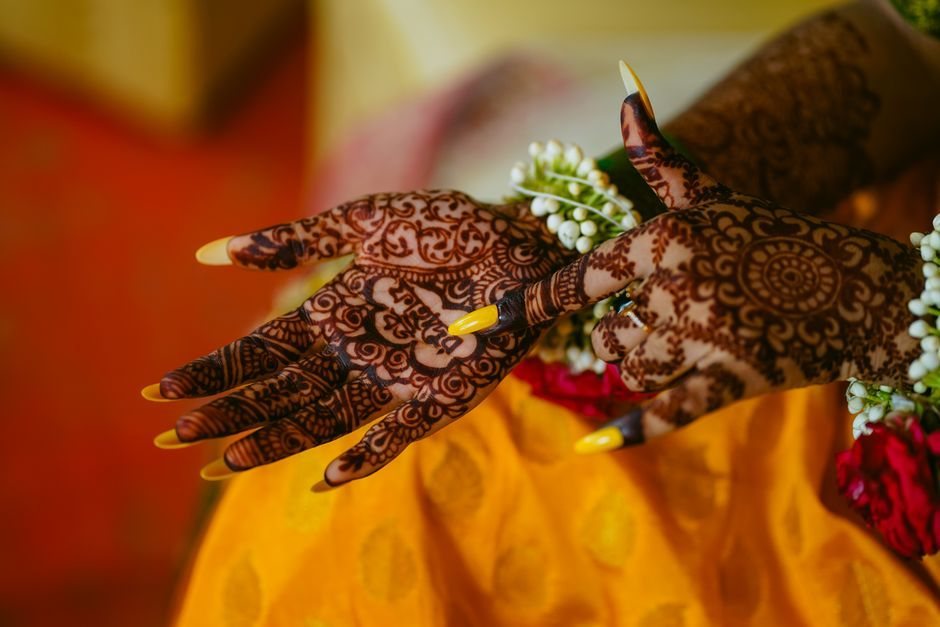
Weddings

Birthday Parties

Corporate Events

Graduations

Baby Showers

Reunions
Everyone collects photos. We run the whole room.
The first five rows are the ones nobody else has
Simple, Event-Based Pricing
Pay per event, not per month. No subscriptions, no hidden fees. Start free and upgrade only when you need more.
Starter
No credit card required
Perfect for small gatherings and trying things out
- Up to 50 photo & video uploads
- Live wall with all 4 display modes
- QR code for instant guest access
- Music bed on the live wall
- Guests pick songs with their photos
- Event active for 24 hours
- Photos saved for 7 days
- Unlimited guests
- POVshare watermark on live wall
- QR code always visible with branding
Plus
One-time per event
Everything you need for weddings, parties, and celebrations
- Up to 500 photo & video uploads
- All 4 display modes + 5 transition effects
- Connect your own Spotify account
- AI content moderation (auto-filter NSFW)
- Itinerary timeline on live wall
- Announcement animations (Float, Typewriter, Shimmer)
- 20 announcement background templates
- Custom live wall backgrounds
- Remove POVshare watermark
- Hide QR code on live wall
- Manual moderation queue
- Event active for 1 month
- Photos saved for 3 months
- Bulk download
- Unlimited guests
Pro
One-time per event
For large events, conferences, and multi-day experiences
- Unlimited photo & video uploads
- All 4 display modes + 5 transition effects
- Connect your own Spotify account
- AI content moderation (auto-filter NSFW)
- Itinerary timeline on live wall
- Announcement animations (Float, Typewriter, Shimmer)
- 20 announcement background templates
- Custom live wall backgrounds
- Remove POVshare watermark
- Hide QR code on live wall
- Manual moderation queue
- Event active for 3 months
- Photos saved for 1 year
- Bulk download
- Unlimited guests
- Priority support
All plans include unlimited guests, a real-time live wall, QR code access, and music. No app downloads required. Upgrade for timeline, animations, Spotify, and a clean branded experience.
Buying it for someone else?
A gift code covers one Plus event, and it never expires — they redeem it whenever their day arrives.
Gift an event — $29Frequently Asked Questions
Everything you need to know about POVshare
Yes — and no other guest photo app does this. When a guest uploads a photo they can pick a song to go with it, and it plays at your event. The live wall shows who picked what, so the music becomes part of the party instead of a playlist nobody chose.
Neither. Pick a vibe — chill, romantic, celebration, upbeat, elegant or acoustic — and licensed music plays on your live wall automatically, on every plan including free. If you would rather use your own library, you can connect your Spotify on the screen device and guest picks drop straight into your queue — Apple Music support is built and coming next, so you are not tied to one service. Guests never sign in to anything, whichever you choose.
Guests simply scan a QR code at your event or tap a link you share. No app downloads, no sign-ups, no accounts needed. They can start uploading photos and videos instantly from their phone's camera or photo library.
Yes! You can create events and collect photos completely free. We offer premium features for larger events, but the core experience — QR sharing, live gallery, and photo collection — is free to use.
Absolutely — moderation is completely optional. If you enable it, every photo requires your approval before appearing on the live wall and gallery. You can also turn on AI-powered auto-moderation to automatically screen for inappropriate content. Or leave it off and let photos flow freely.
The live wall is a real-time display that shows photos as guests upload them. It supports 4 display modes — Grid, Filmstrip, Slideshow, and Single — perfect for projecting at your event. It is a web page, so anything that can open a web page can show it: a laptop on an HDMI cable, a smart TV browser, a Fire TV Stick, Chromecast or AirPlay. See povshare.com/setup for all six methods ranked by how reliably they hold up on the night.
The most reliable way is an HDMI cable from a laptop to the TV — no network in between, and the sound travels down the same cable. A USB-C to HDMI adapter works too, but check first that your device supports DisplayPort Alt Mode: plenty of USB-C ports charge and move files without carrying any video at all, and the adapter still fits perfectly, so it fails silently. Many Samsung and LG smart TVs have their own browser and need no extra hardware. Chromecast and AirPlay both work but send everything over the venue WiFi, so they are the first thing to stutter on a busy night. Full guide at povshare.com/setup.
No. Guests scan the QR code and upload over their own mobile data, so a slow or crowded guest network does not stop photos arriving. The device driving the screen is the one that needs a steady connection — give it a network cable if there is a socket, or use your own phone as a hotspot for that one device.
The itinerary timeline lets you build a visual schedule for your event with up to 12 items. Choose from 42 icons across weddings, birthdays, corporate events, and more. Once enabled, your live wall shows a time-aware footer that highlights past, current, and upcoming moments — so guests always know what's happening next. Available on Plus and Pro plans.
Yes! Plus and Pro plans include announcement animations with 4 styles — None, Float, Typewriter, and Shimmer. You can pick from 20 background templates and 6 fonts. When active, announcements appear in a split-view on your live wall: guest photos on one side and your announcement on the other.
The free Starter plan gives you everything you need to collect and display photos — QR code sharing, all 4 live wall display modes, and unlimited guests. Paid plans (Plus and Pro) unlock premium features: itinerary timeline, announcement animations, 5 transition effects, watermark removal, QR code control, AI content moderation, custom backgrounds, and longer storage. See our pricing section for full details.
POVshare supports all common photo formats (JPG, PNG, HEIC, WebP) and video formats (MP4, MOV). Guests can upload directly from their phone camera or choose existing photos from their library.
No limit at all! Whether you have 10 guests or 10,000, everyone can scan the same QR code and upload photos simultaneously. POVshare is built to handle events of any size.
Yes. As the event host, you have full access to every photo and video uploaded by your guests. You can view, download individual photos, or download the entire album at any time.
No. That's the beauty of POVshare — guests scan the QR code and start uploading immediately. No app downloads, no registration, no friction. It works on any phone with a web browser.

Ready to Capture Every Moment?
Create your free event in seconds. Every guest's photo, every special moment — all in one beautiful gallery.
Create Your Event — FreeFree foreverNo app requiredSetup in 60 seconds